Reaction checks
Start a round, wait for the cue, then tap. Millitap records the latest, best, average, and spread.

Reaction drills, target taps, Go / No-Go, and tap speed tests in one focused app for quick personal practice.
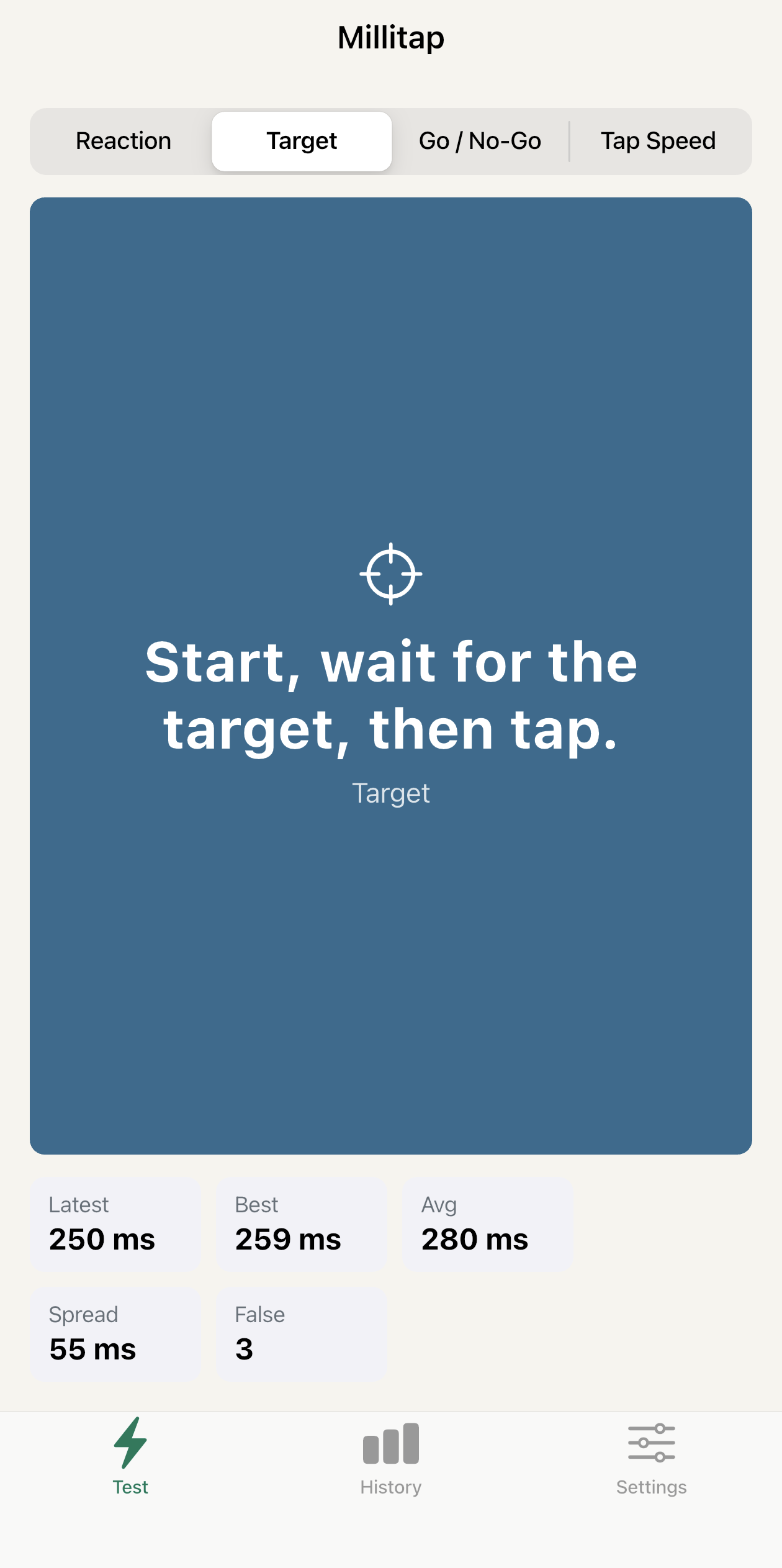
Millitap keeps the screen focused on the tap, the cue, and the result, so practice sessions stay quick.
Start a round, wait for the cue, then tap. Millitap records the latest, best, average, and spread.
Practice fast, accurate taps against a clear target surface built for quick sessions.
Train attention with simple false-tap tracking, without turning the app into a noisy game.
Run short finger speed tests and keep personal results in a clean history.
Open the app when you have a spare minute. Each mode is built for a short run, clear feedback, and a result you can understand at a glance.
Millitap does not require an account, backend, analytics, or cloud sync in v1. Test history and settings are designed to stay on the device.
Short answers for store reviewers, customers, and support checks.
Millitap is for quick personal tap speed, reaction, target, and Go / No-Go practice on your phone.
No. The app is designed to work without an account for its core testing and history features.
No. Millitap is a personal practice app. Touchscreen, display, and device conditions can affect results.
The current app stores test history and settings locally on the device. If that changes, the privacy policy will be updated.